Introduction
JSONPath is a syntax for selecting parts of a JSON document. JSON, which stands for JavaScript Object Notation, is a text format for structured data. In AWS Step Functions, data is passed between states as JSON, and JSONPath is used to choose and reshape that data as it flows. This guide explains what JSONPath is, why it is used in Step Functions, and how the fields that control data flow work. Readers who are new to the service should first read the guide on what AWS Step Functions is.
What is it?
A JSONPath expression addresses a location inside a JSON document. In Step Functions, an expression begins with the dollar sign, written as $, which represents the root of the document, meaning the top level of the input. A path such as $.customer.name selects the name field inside the customer object. JSONPath is used in several fields of a state, including InputPath, OutputPath, ResultPath, Parameters, and ResultSelector.
Why does it exist?
Each state in a workflow receives an input and produces a result, and the data must often be filtered or rearranged before the next state can use it. Without JSONPath, a small Lambda function would be required for every such adjustment. JSONPath was adopted so that these adjustments can be described directly in the state machine, which removes a large amount of connecting code.
How it works
Three fields control the flow of data through a state. InputPath selects the portion of the input that is passed into the state. For example, "InputPath": "$.order" passes only the order object. ResultPath decides where the result of the state is placed within the data. For example, "ResultPath": "$.result" adds the result under a result field while keeping the original input. OutputPath selects the portion of the combined data that is passed to the next state.
Two further fields build new structures. Parameters constructs the exact input for a task, and a field whose name ends in .$ takes its value from a JSONPath expression. ResultSelector reshapes the raw result of a task before ResultPath places it. Complex logic is not expressed in JSONPath and is instead performed inside a Lambda function.
Data flow diagram
Advantages
- Less connecting code. Data can be shaped without a Lambda function for each adjustment.
- Declarative. The transformation is described in the state machine itself.
- Precise control. Exactly what each state receives, adds, and sends can be specified.
Disadvantages
- Subtlety. The interaction of InputPath, ResultPath, and OutputPath can be confusing.
- Limited expressiveness. Only a subset of JSONPath is supported, and computation is not possible.
- Harder to debug. A mistake in a path can be difficult to locate.
Common use cases
- Passing only the relevant part of a large input into a task.
- Adding the result of a task to the existing data without discarding it.
- Building the precise input that a task requires from several fields.
- Selecting a single value to pass to the next state.
Best practices
- Transformations should be kept small and clear, and complex logic should be moved into a Lambda function.
- The effect of each path field should be tested with realistic data.
- ResultPath should be used deliberately so that required input is not accidentally discarded.
- The purpose of each path field should be documented where a workflow is complex.
Common mistakes
- InputPath, ResultPath, and OutputPath are confused, so data is lost or misplaced.
- A path is written that is more complex than the supported subset allows.
- Computation is expected from JSONPath, which it cannot perform.
- The original input is discarded when it was still required by a later state.
Related AWS services
- AWS Step Functions is the service in which these path fields are used.
- AWS Lambda performs the computation and transformation that JSONPath cannot express.
Frequently Asked Questions
- What does the dollar sign mean in JSONPath?
- The dollar sign is the root of the JSON document. A path that begins with it, such as
$.customer.name, addresses a value from the top of the input. The dollar sign on its own refers to the entire input. - What is the difference between InputPath, ResultPath, and OutputPath?
- InputPath selects the portion of the input passed to a state. ResultPath decides where the result is placed within the data. OutputPath selects the portion passed to the next state.
- Is Step Functions JSONPath the same as the full JSONPath specification?
- No. Step Functions supports a subset. Common expressions such as addressing fields and selecting array elements are supported, but not every feature of the wider specification.
- Can JSONPath transform or compute values?
- JSONPath selects and reshapes existing data, and Parameters and ResultSelector can build a new structure. Complex computation should be carried out inside a Lambda function.
- When should a Lambda function be used instead of JSONPath?
- A Lambda function should be used when logic or calculation that JSONPath cannot express is required. JSONPath should be reserved for straightforward selection and reshaping.
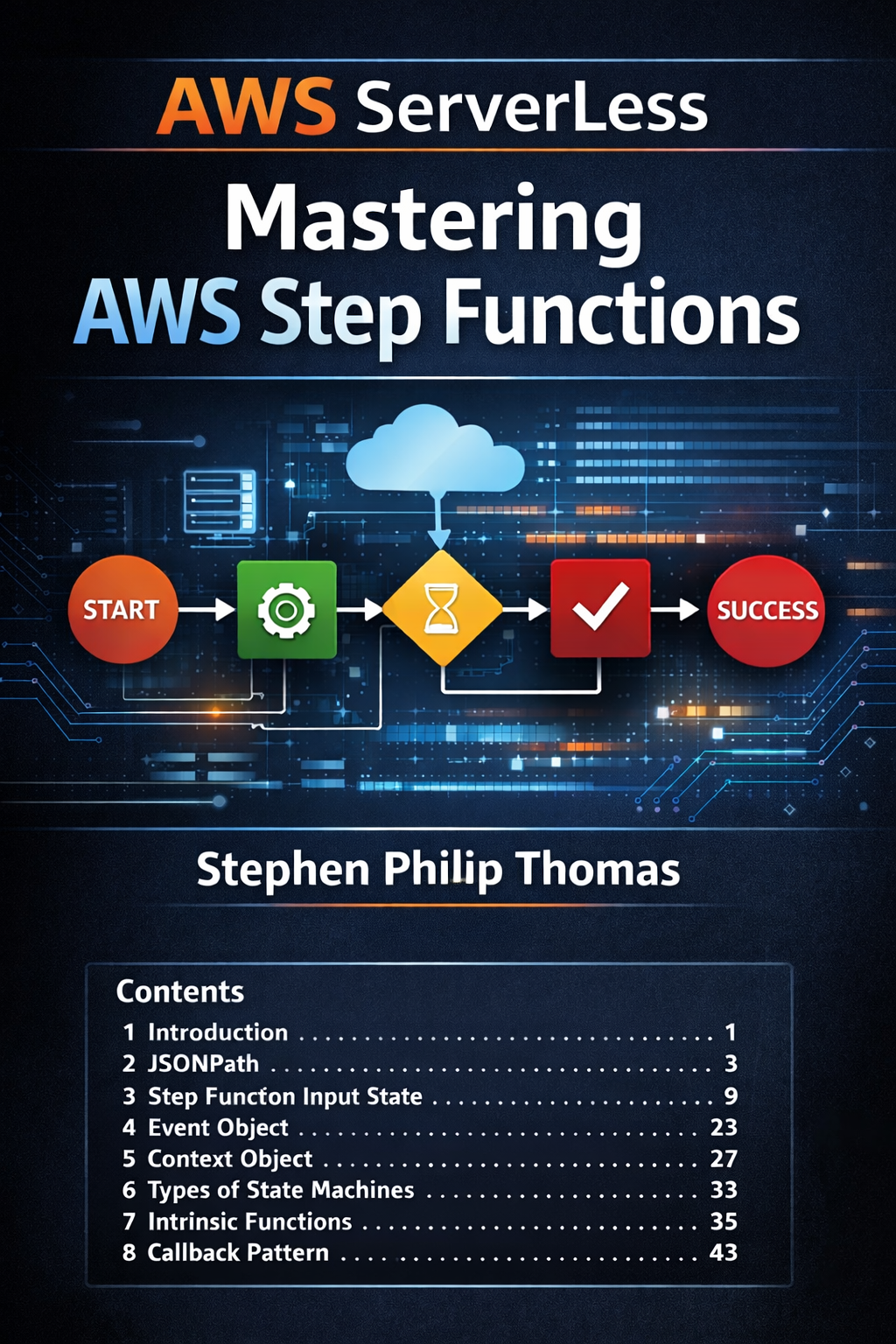
This article is the summary. The book is the full, continuously updated reference: JSONPath, the Amazon States Language, intrinsic functions, and production orchestration patterns.
View the book